When LLM Routing Saves Money — and When It Doesn't
Every LLM router on the market — ours included — is sold with a cost-savings number. Most of those numbers are technically true. Most are also misleading, because they never tell you where the savings come from. So here's the honest version.
Start with what routing cannot do: it cannot save you money on the price sheet. Per-token prices are public. On BlockRun, per-token chat is billed at the model provider's own published rate and carries no platform margin — the only add-on is a flat $0.001 transaction fee per call, floored at a $0.002 minimum per request, settled in USDC via x402 on Base and Solana. Any gateway claiming its prices beat the market on the same model is describing a rounding error.
So if a router saves you real money, it has to come from somewhere else. There are exactly three somewheres.
Lever 1: Most agent tokens are easy tokens
The economics of routing rest on one empirical fact: real workloads are mixed, and the mix is bottom-heavy.
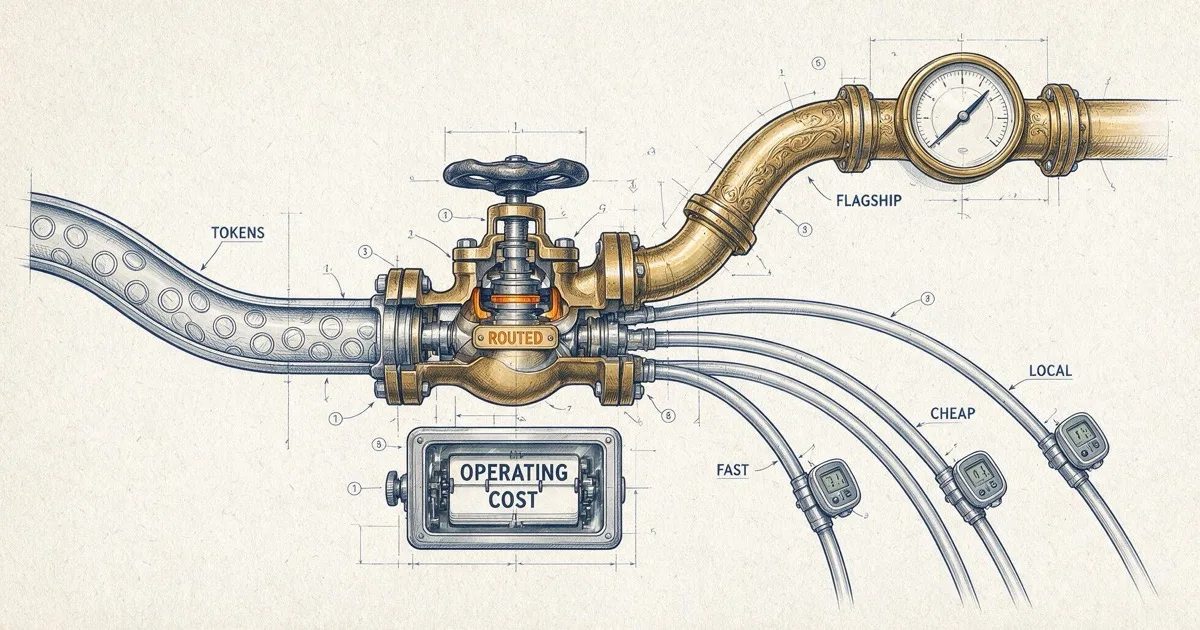
An agent session is a long tail of formatting, extraction, summarization, tool-argument filling, and short factual lookups — punctuated by the occasional burst of genuinely hard reasoning. Pin a flagship model for all of it and you pay flagship rates for the easy majority.
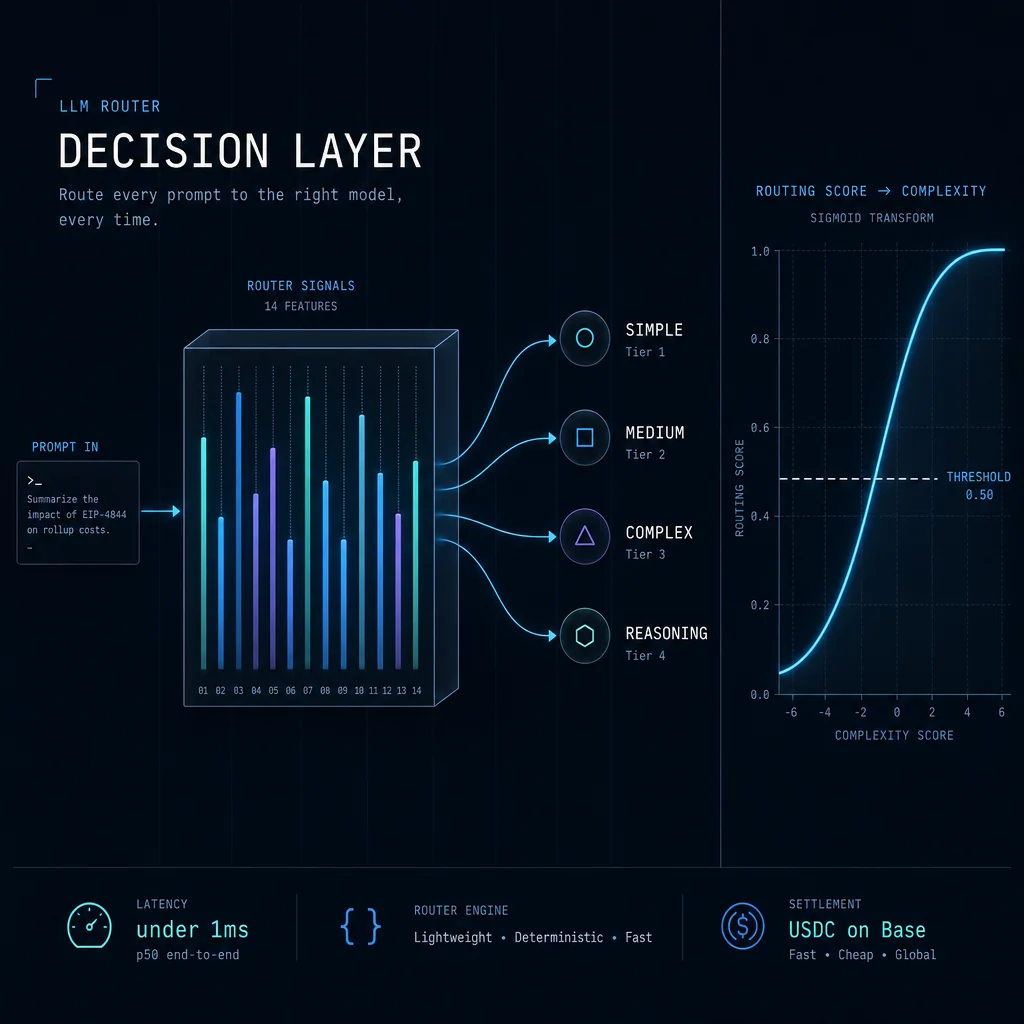
A router prices each request on its own merits. ClawRouter's decision layer classifies every prompt across 15 dimensions in under a millisecond, locally, before a single token is spent. The easy majority flows to models that cost 10–100× less per token. The hard tail still gets the flagship.
This is the entire trick. Everything else is implementation.
Lever 2: The tokens you never send
The second lever is orthogonal to model choice: send fewer tokens. The cheapest token is the one that never leaves your machine.
ClawRouter applies seven layers of token compression before the request ships — context deduplication, history pruning, tool-schema minification, and friends. Compression compounds with routing: a cheaper model times a smaller prompt is exactly where the dramatic multipliers in router marketing actually come from.
So when you see a "500×" or "10×" savings claim — ours included — decompose it. How much is routing? How much is compression? How much is specific to one workload? The multiplier is real for the workload it was measured on. Yours will differ.
Lever 3: Paying per call instead of per seat
Subscription pricing bills your peak. Pay-per-call bills your actual. Agents are bursty — idle for hours, then burning a million tokens in a tight loop — so the gap between peak and actual is enormous.
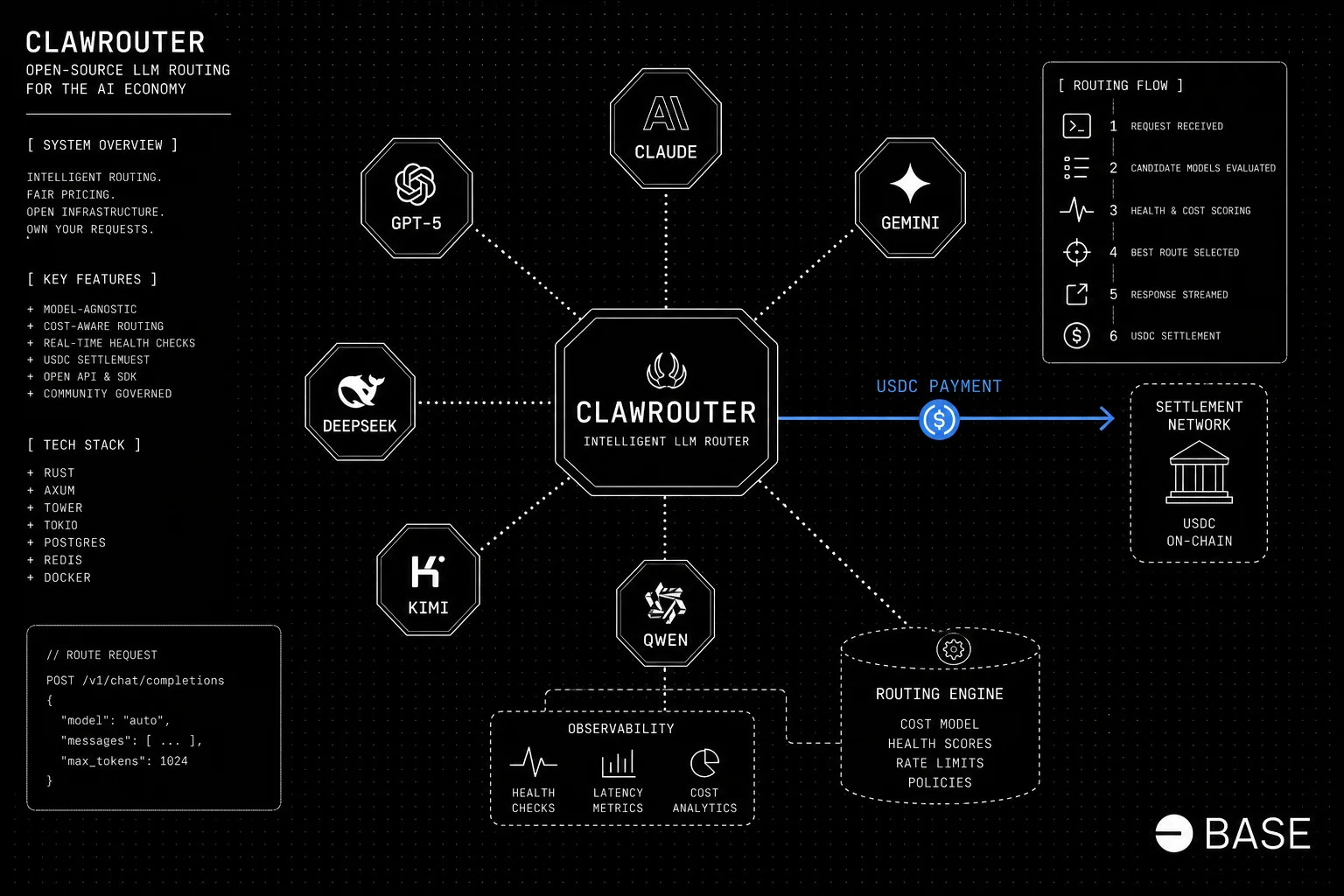
On BlockRun every call settles individually in USDC via x402, floored at a $0.002 minimum per request, with no seat, no monthly commit, and no idle spend. This lever doesn't make any single call cheaper.
It makes the months cheaper.
What we actually measured
Marketing multipliers aside, here's what our own Router v3.4 checkpoint measured on real agent tasks — three-arm, with verification.
Against a fixed flagship (Opus 5 pinned for everything), routing cut normalized token cost by 91.1%, at 10 points lower verified success, with a 95% confidence interval of −19 to −1 points. Read that again, because it's the honest core of this article: routing versus a pinned flagship is not "same quality, a tenth the cost." On this checkpoint it was slightly worse quality for dramatically lower cost. The interval sits entirely below zero, so the quality drop is real, not noise — you're trading a measurable slice of quality for a large cut in cost.
Against our own previous router, v3.4 landed at 57% verified success — about 8 points higher overall — while cost per success dropped 6.4%. Keep those two numbers straight: the 91.1% is token cost versus a pinned flagship; the 6.4% is cost per success versus the old router. Different baselines, different metrics. And the cleaner apples-to-apples read on the quality gain — the paired set — is +6.8 points, 95% CI −1.9 to +15.5, which still crosses zero. So we won't call the improvement over the last router settled.
We publish the intervals because a router vendor that only shows you point estimates is selling, not measuring.
When routing doesn't save you money
A router monetizes variance; no variance, no savings.
- Uniformly hard workloads. If every request genuinely needs the flagship — deep research, competition math, high-stakes code review — the router sends every request to the flagship. You pay flagship prices plus $0.001 a call, and the router earned you nothing.
- Quality-critical single tasks. If one wrong answer costs more than a month of API spend, pin the best model. Expected-value math beats average-cost math here.
- Tiny volumes. At $20/month of spend, a 40% saving is $8. Any integration effort takes months to pay back. Routing is a volume game.
- Already-cheap pinning. If your workload runs fine pinned to a budget model, a router can only add cost — its job would be escalating your hard tail upward. That's a quality lever, not a cost lever. Fine — just know which one you're pulling.
A five-minute decision test
Ask three questions of last month's usage.
- Is the workload mixed? Sample 50 requests. If more than half could plausibly be handled by a model a tier down, routing has room to work.
- Is quality verifiable? Routing without a way to check outcomes silently converts cost savings into quality regressions.
- Is the volume real? Multiply your monthly spend by 0.3–0.6. If that number doesn't cover an afternoon of integration, wait until it does.
Two or three yeses: try the router. It's open source, decisions run locally in sub-millisecond time, and pricing is per-request on public rates — so you can check the math yourself.
Zero or one: pin a model and move on. A router you don't need is just a dependency.
FAQ
Do routers add latency? The decision itself shouldn't. ClawRouter classifies locally in sub-millisecond time; the dominant latency remains the model you route to.
Is a cheaper gateway a substitute for routing? No. Per-token rates on serious gateways are within noise of each other (ours are the provider's own rate, with no margin). The savings live in which model and how many tokens — policy, not price sheets.
What's the catch on the 91%? It's normalized token cost versus pinning Opus 5 for everything, on our checkpoint workload, and it came with a measured quality trade: 10 points of verified success, CI −19 to −1. If someone quotes you a savings multiplier without both its quality delta and its workload, ask for both.